
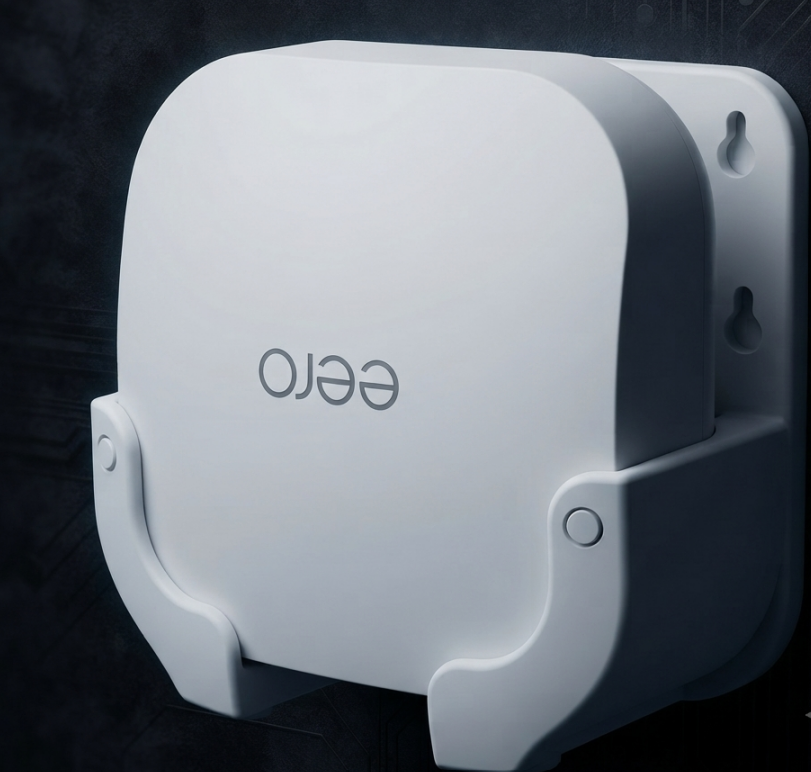
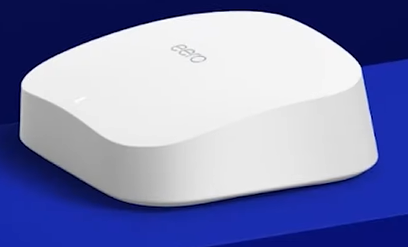
In this Amazon Eero Pro 6E Review, we look at why upgrading your home network without spending a fortune makes the Eero Pro 6E one of the most compelling options on the market. Eero has consistently delivered user-friendly networking gear, and this Tri-Band Wi-Fi 6E system aims to bring next-generation gigabit speeds into your living room. In this review, we break down its real-world performance, design, and whether the software limitations are a dealbreaker.
Pros | Cons |
Super easy 10-minute app setup | Limited long-range coverage (drops at 50+ ft) |
Affordable compared to other Wi-Fi 6E systems | No web browser configuration (App only) |
Built-in Zigbee hub for smart devices | Advanced security requires a paid subscription |
Massive short-range speed capabilities |
Amazon Eero Pro 6E Review:Design and Form Factor
Unlike the bulky, towering designs of competitors like the Netgear Orbi, the Eero Pro 6E takes a much more subtle approach. It features a super compact footprint, measuring exactly $5.5 \times 5.5 \times 2.1$ inches. This minimalist approach ensures that the router can sit on a bookshelf or a TV console without looking like an alien artifact.
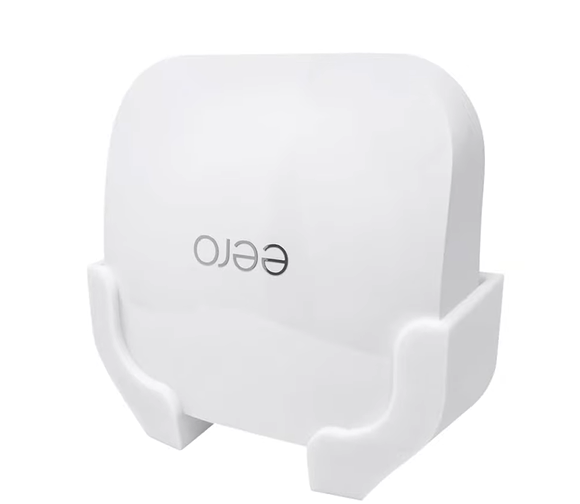
For an even cleaner setup, the Eero unit can be conveniently placed in a custom wall mount bracket, keeping it completely off your desk or counter.
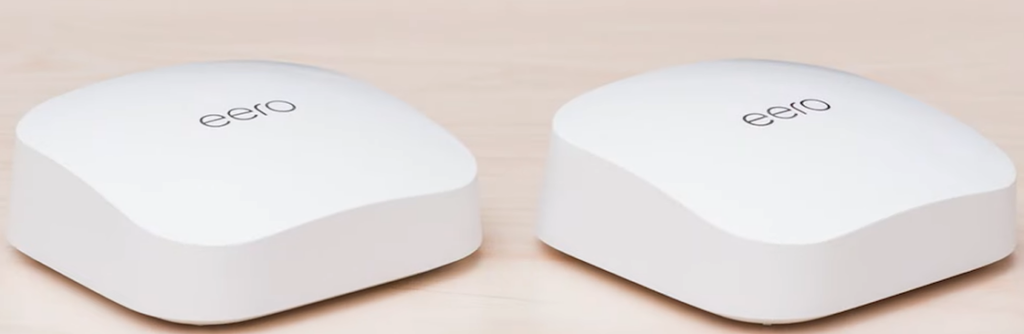
If you have a larger home, Eero makes it incredibly easy to expand your coverage. Buying a multi-pack allows you to place identical, low-profile nodes throughout your house to blanket every room in a seamless Wi-Fi connection.
A multi-node setup allows you to place identical Eero devices across different rooms to eliminate dead zones.
Amazon Eero Pro 6E Review:Upgraded Ports and Hardware
On the hardware side, Amazon has significantly upgraded the ethernet capacity compared to previous generations. The primary backhaul supports double the speed of its predecessor, making it an excellent match for multi-gigabit fiber internet connections.
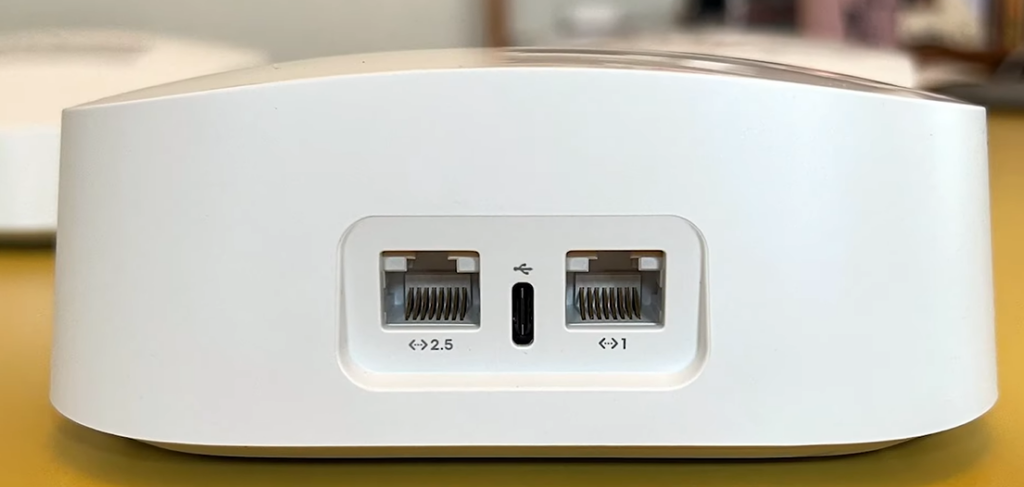
It is important to note the physical differences if you are mixing and matching different Eero models or buying specific node extenders. While the main Eero Pro 6E units come equipped with these high-speed ethernet ports, some secondary beacon nodes in the Eero ecosystem strictly rely on wireless backhaul and only feature a USB-C port for power.
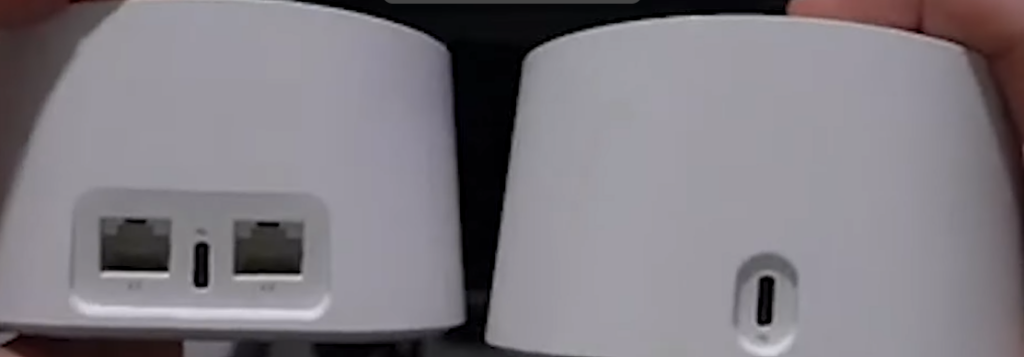
A comparison showing a primary Eero unit with dual ethernet ports on the left, contrasted with a node on the right that only has a USB-C power port.
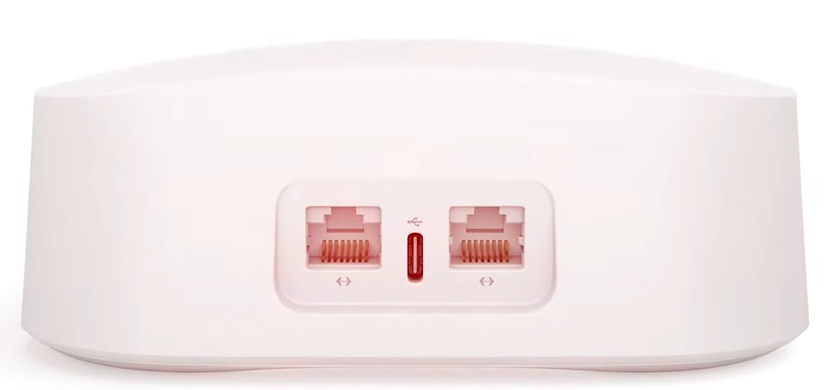
Even on standard gigabit nodes, you will find dual ethernet ports that allow you to hardwire devices like gaming consoles or smart TVs directly to the mesh unit for stable connectivity.
Real-World Performance and Speeds
In real-world testing for this Amazon Eero Pro 6E Review, the system delivers mind-blowing speeds when you are close to the router. Thanks to the Tri-Band Wi-Fi 6E technology, devices tested at a 15-foot distance hit a massive 1.144 Gbps. This makes the Eero Pro 6E perfect for heavy 4K streaming, large file downloads, and low-latency gaming in the primary rooms of your house.
However, its long-range penetration is where the system struggles slightly. When moving out to a distance of 50 feet, speeds drop significantly down to 173.3 Mbps. While this is still plenty of speed for casual browsing and HD video streaming, users with massive houses or thick concrete walls will definitely need to invest in additional Eero nodes to maintain the top-tier performance highlighted throughout this Amazon Eero Pro 6E Review in every corner.
Smart Home Integration and Software Limitations
For smart home enthusiasts, the Eero Pro 6E is a fantastic two-in-one device. It includes built-in Zigbee hardware, meaning it acts as a native smart home hub. You can seamlessly connect smart lights, locks, and sensors directly to the network without needing to purchase a separate third-party hub. Everything is powered by eero’s proprietary TrueMesh technology, which intelligently routes data packets in the background to ensure your video calls do not drop as you walk from the basement to the kitchen.
Despite the brilliant app that allows you to get the network up and running in under ten minutes, there are two major software drawbacks. First, power users will be disappointed by the total lack of browser configuration. You cannot manage this router via a traditional desktop web interface; everything must be done through the Eero mobile app. Secondly, while the hardware itself is highly affordable, Eero locks its advanced parental controls, ad-blocking, and deeper network security features behind a paywall. To access these, you will need to pay for a monthly eero Plus subscription.
Final Verdict
The Eero Pro 6E earns a massive 99% value score for its target audience. If you want a mesh system that offers blazing-fast Wi-Fi 6E speeds up close, sets up in minutes, and doubles as a smart home hub, this is a spectacular choice. It remains one of the most affordable premium mesh setups on the market. However, if you hate paying for software subscriptions or demand highly customizable desktop routing configurations, you might want to explore alternatives. For the vast majority of users, this is a solid, hassle-free investment. For those needing advanced enterprise-grade security controls beyond home mesh systems, check out our [FortiGate 40F vs SonicWall TZ270 Firewall Showdown].